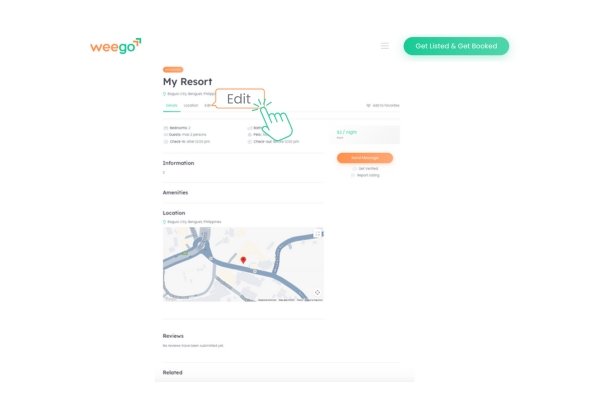
Follow these simple steps to showcase your resort, tour package, or destination on Weego.ph:
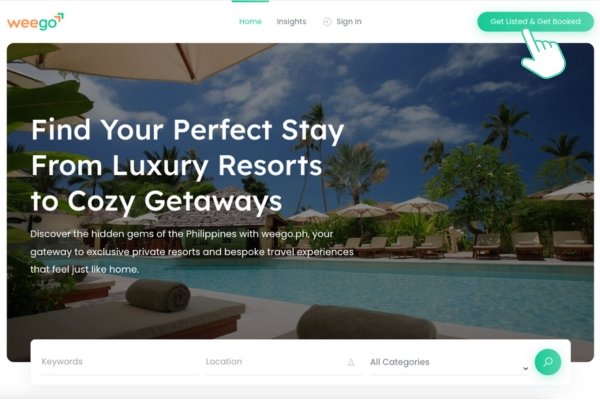
- Click “Get Listed and Get Booked”
Navigate to weego.ph and click on the “Get Listed and Get Booked” button.
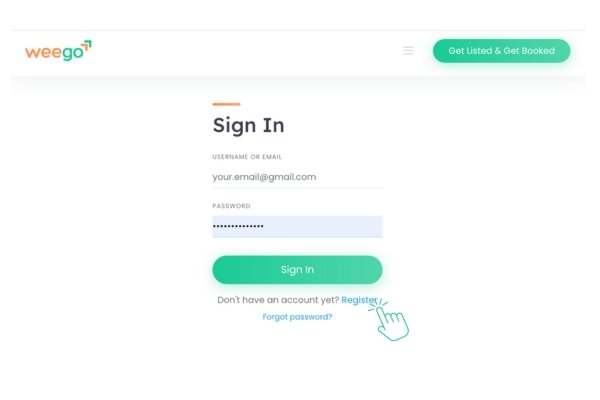
2. Register or Sign In
If you’re new, create an account by registering. Existing users can simply sign in.
3. Verify Your Email
Check your inbox for a verification email from Weego.ph. Click the link provided to verify your account.
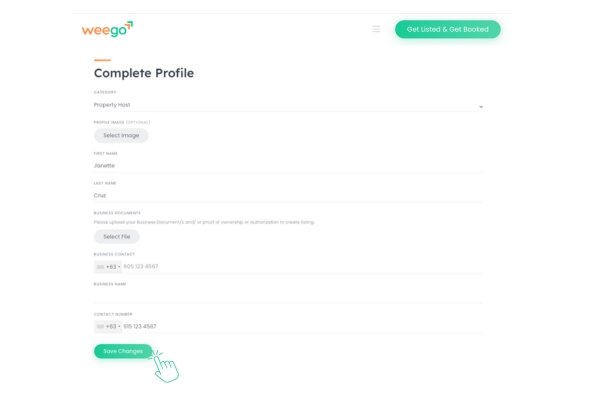
4. Complete Your Profile
After verification, log in and update your profile with accurate information. Don’t forget to save your changes.
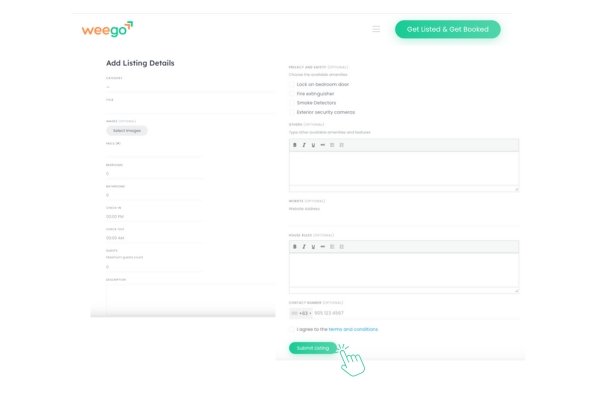
5. Add Your Listing Details
Provide comprehensive details about your property or service, including descriptions, photos, amenities, and contact information. Once done, save your listing.
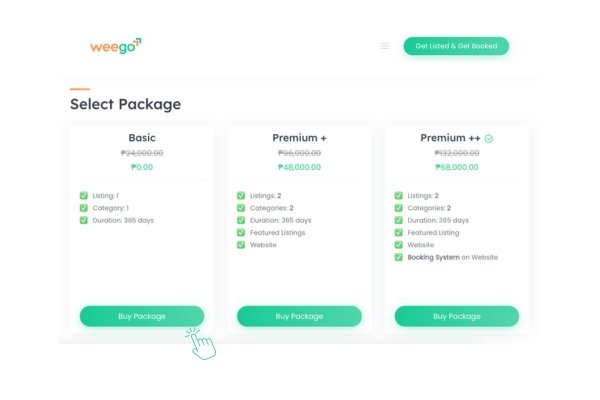
6. Select a Package
Choose a listing package that best suits your needs. We offer various options to enhance your visibility.
7. Enter Billing Details
Fill in your billing information to complete the listing process.
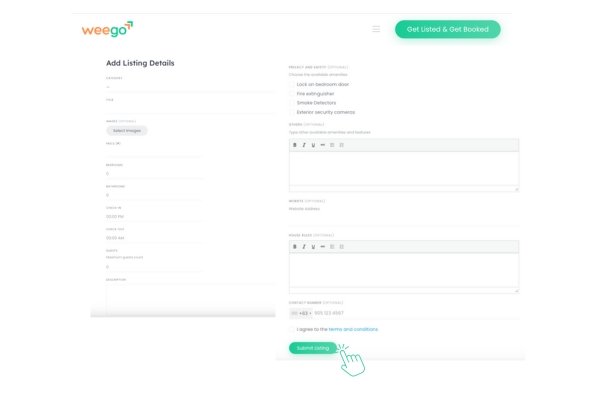
8. Your Listing is Live!
Once submitted, your listing will go live on Weego.ph. You can edit or update your listing at any time through your dashboard.